
WinLion Casino Login Instantly
Accessing your account takes only a few steps from the WinLion homepage on desktop or mobile. The WinLion Casino Login uses your registered email address and password, connecting casino games, live casino, sportsbook, promotions, and account tools under one profile. Canadian players can manage balances in CAD, review transactions, set responsible gambling limits, and contact our 24/7 support after signing in.

Popular Games












Step-by-Step Instructions for Logging Into WinLion Casino
Our login form keeps account access focused on two credentials: your registered email address and password. Once authenticated, the same WinLion profile gives you access to casino games, live tables, sports betting, promotions, and transaction controls. TLS 1.3 encryption protects information transmitted through account processes, while security systems monitor unusual access patterns.
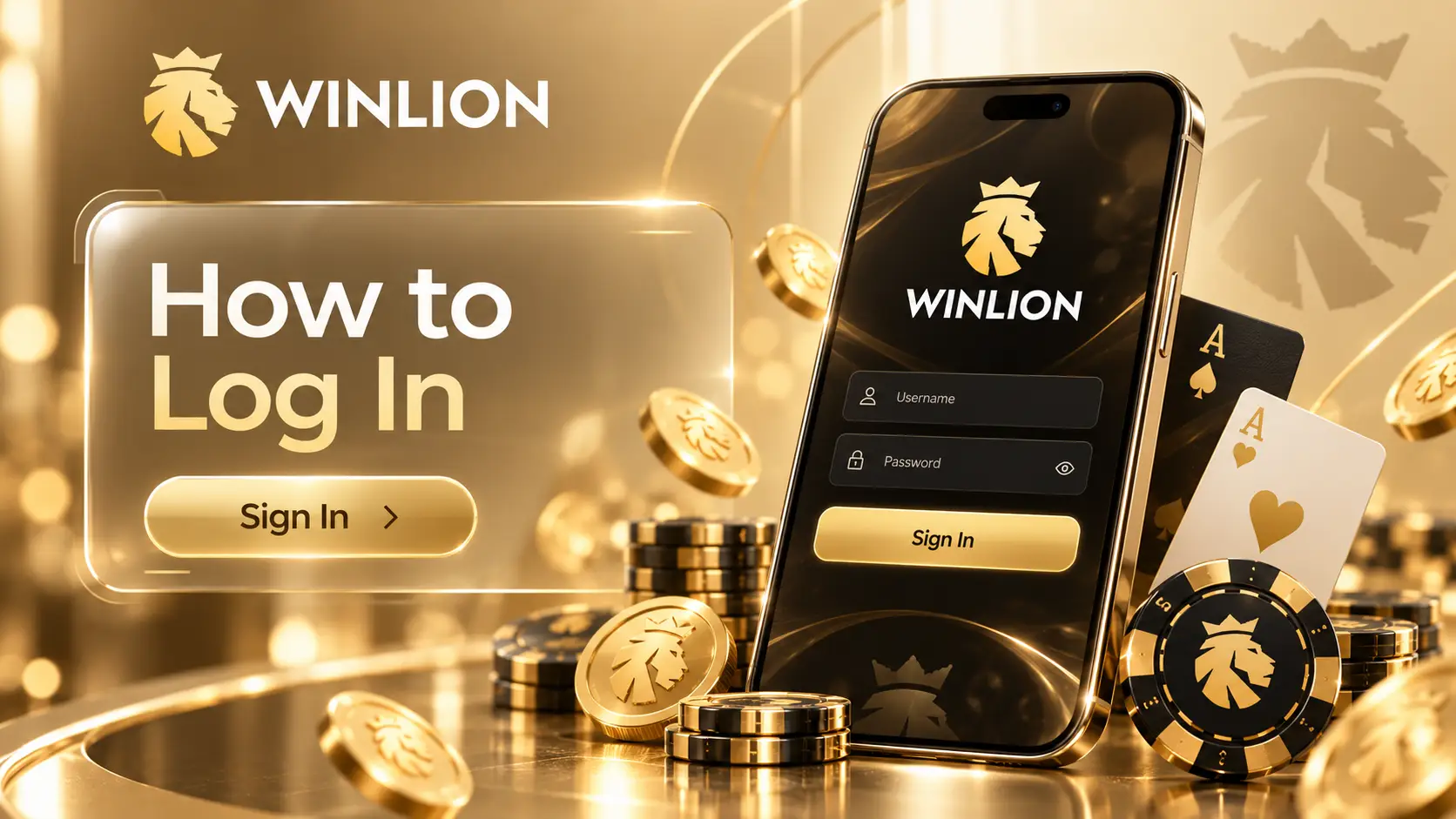
Follow these steps when returning to your account:
- Open the official WinLion website.
- Select Log In on the homepage.
- Enter the email address registered with your account.
- Type your account password.
- Review both fields before submitting the form.
- Select Log In to enter your account.
A successful WinLion Login restores access to your balance and account dashboard without creating another profile. We allow one verified account per player, which also keeps verification and transaction records connected.
What to Do If You Forgot Your Password or Username
A forgotten password does not require a new registration. Select the password recovery option on the login page and provide your registered email address. We then send a secure reset link through the recovery process. Choose a new password that is different from credentials used on other websites.
WinLion uses the registered email address as the main account identifier rather than a separate public username. If you cannot access that email account, contact our support team. Updating a registered email requires identity verification because the address cannot be changed directly through profile settings.

The main recovery details are summarized below.
| Recovery point | What happens | Key figure |
|---|---|---|
| 📧 Account identifier | Registered email is used for access | 1 email |
| 🔑 Password recovery | Reset link is sent to the registered address | 1 secure link |
| 🛡️ Support availability | Live chat can assist with access problems | 24/7 |
| 👤 Account policy | One verified profile is permitted per player | 1 account |
| 📄 KYC review | Submitted verification can be reviewed quickly | Up to 5 minutes |
Keeping the registered email current reduces recovery problems later. It also helps us confirm legitimate account changes when sensitive information needs to be updated.
How to Enable Two-Factor Authentication for Extra Security
WinLion currently does not use conventional SMS codes or external authenticator applications as a user-enabled two-factor authentication option. Instead, our security model uses secure login tokens, trusted-device recognition, device fingerprinting, and adaptive checks when an access attempt appears unusual.
This means there is no separate 2FA switch that Canadian players need to activate. Additional verification may appear automatically during sensitive actions, including certain withdrawals or unexpected login attempts. For stronger protection, use a unique password, avoid shared devices, and change your password immediately if unfamiliar activity appears.
Our account security also includes:
- Device fingerprinting for recognising access patterns.
- Behavioural monitoring for unusual account activity.
- IP risk analysis during security checks.
- Real-time review of suspicious login attempts.
- Additional verification for selected sensitive actions.
These measures work alongside the WinLion Casino Login rather than adding another routine step to every session. If you notice an unknown login or balance change, reset your password and contact our security support promptly.
Mobile Login on iOS and Android
WinLion works directly through mobile browsers on both iOS and Android. You can open the website in Safari, Chrome, or another current browser and use the same email address and password as on desktop. There is no need to create a separate mobile account.
For faster repeat access, the mobile site can be added to your home screen as a progressive web app. After the WinLion Login, your balance, bonuses, deposits, withdrawals, casino catalogue, live games, and sportsbook remain available from the same profile.
Mobile access also keeps account management in one place. Canadian players can check CAD transactions, submit verification information, reach live chat, and adjust responsible gambling settings without switching to a desktop computer.